Exodus Wallet Review 2026: Setup, Security, Staking & Hardware Wallets
Exodus wallet review: desktop and mobile setup, wallet creation, security, coins, staking, built-in swap, Trezor integration and comparison with rivals.
Exodus is a free, non-custodial multi-currency wallet for desktop, mobile, and browser that supports 260+ cryptocurrencies and comes with a built-in exchange. Launched in 2015, it has become one of the most popular "hot" wallets thanks to its clean, beginner-friendly interface. This review covers everything — from installation and wallet creation to staking, security, and connecting a hardware wallet — explained clearly for both newcomers and experienced users.
⚡ The short version: Exodus is a convenient wallet for everyday use and storing small-to-medium amounts. Your keys stay with you. For large holdings, pair Exodus with a Trezor hardware wallet. Its main drawbacks are closed-source code and swap fees that are higher than an exchange's.
What Exodus is and who it's for
Exodus is a software (hot) wallet. "Hot" means it runs on a device connected to the internet. That sets it apart from "cold" hardware wallets like Ledger or Trezor, which keep your keys offline.
The defining trait of Exodus is that it's non-custodial. Your private keys and seed phrase are stored only on your device and are never sent to the company's servers. The developers cannot access, freeze, or recover your funds — the responsibility for keeping them safe rests entirely with you.
Exodus is a good fit for:
- Beginners — thanks to the intuitive interface and the fact that you don't have to manage each blockchain's keys manually.
- Active users — for everyday transactions, swapping coins, and staking in a single window.
- Experienced users — as a convenient front-end for a Trezor hardware wallet and for interacting with DeFi/NFTs through the Web3 extension.
It's not ideal for:
- Anyone holding large amounts without a hardware wallet — a hot wallet alone isn't safe for that.
- Open-source advocates — Exodus is closed-source (more on this in the security section).
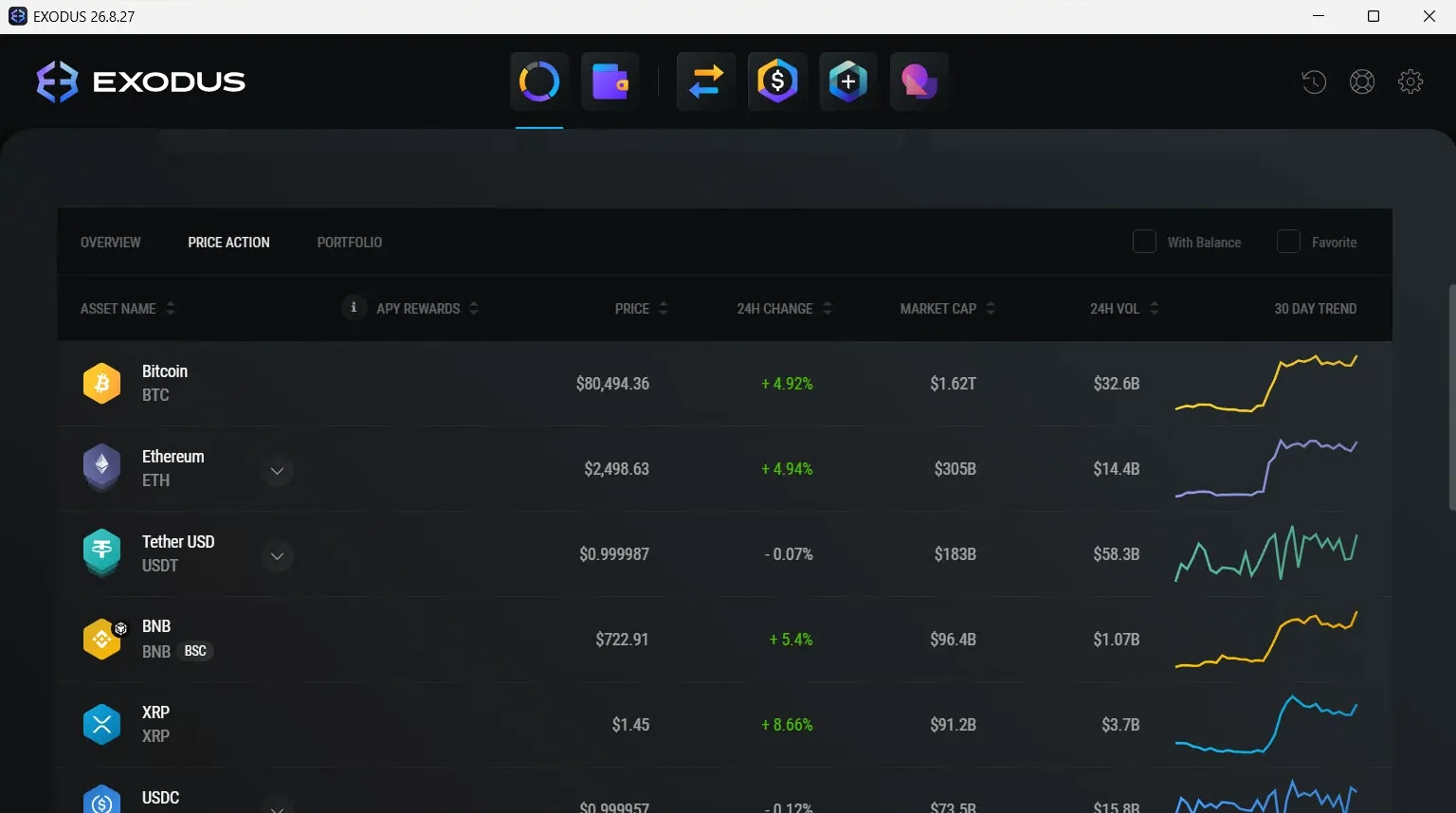
Key features
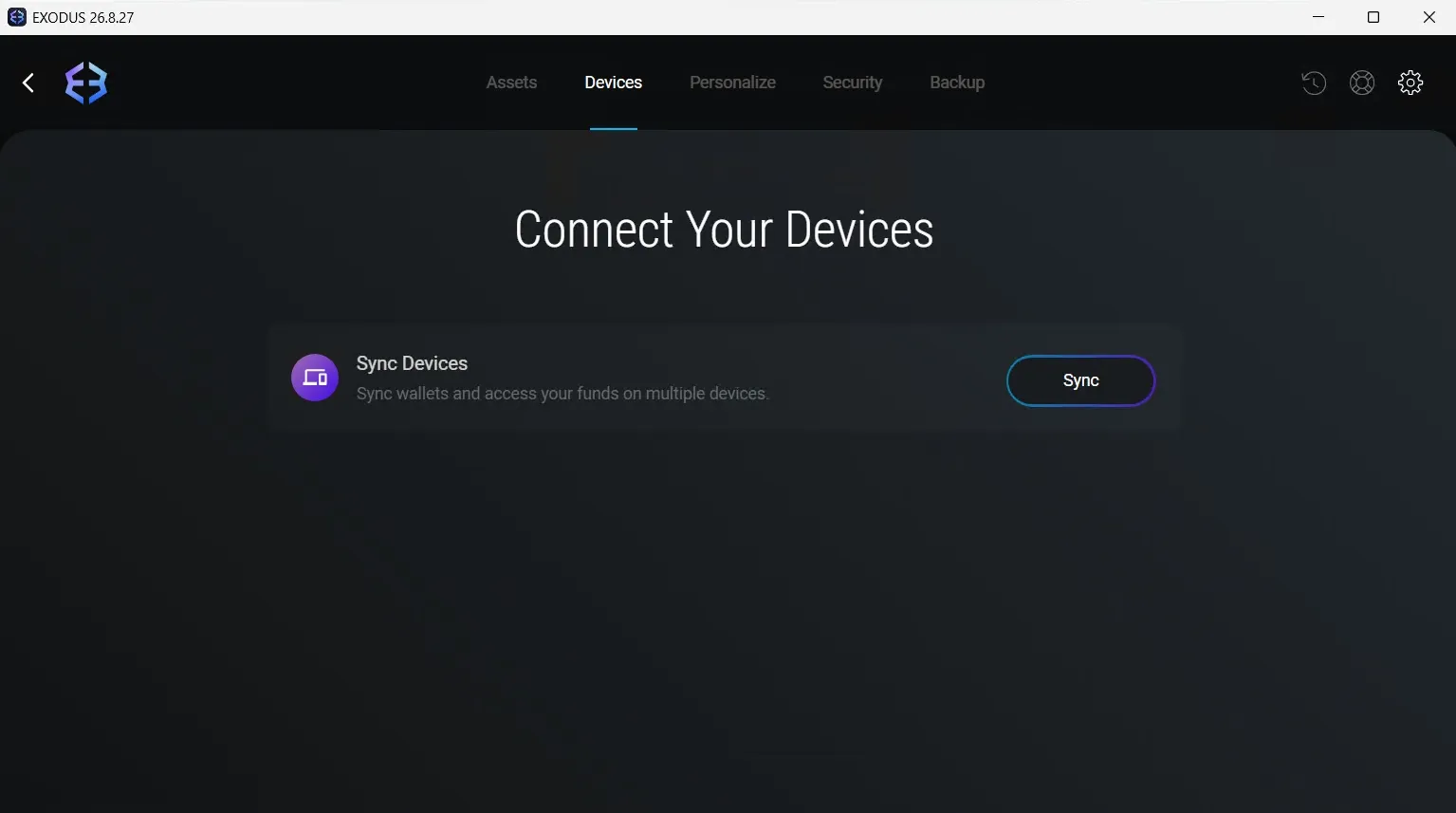
- Cross-platform — Windows, macOS, Linux, iOS, Android, and a browser extension, all synced.
- Built-in swap — exchange one coin for another right inside the app, no exchange withdrawal needed.
- Staking — earn passive income on several coins (ADA, SOL, ATOM, ALGO, XTZ, and more) directly from the wallet.
- NFT support — view and store NFTs.
- Web3 and DeFi — the browser extension lets you connect to decentralized apps (DApps).
- 30+ languages, including English and Russian.
- Trezor integration — connect a hardware wallet for stronger security.
Supported coins and networks
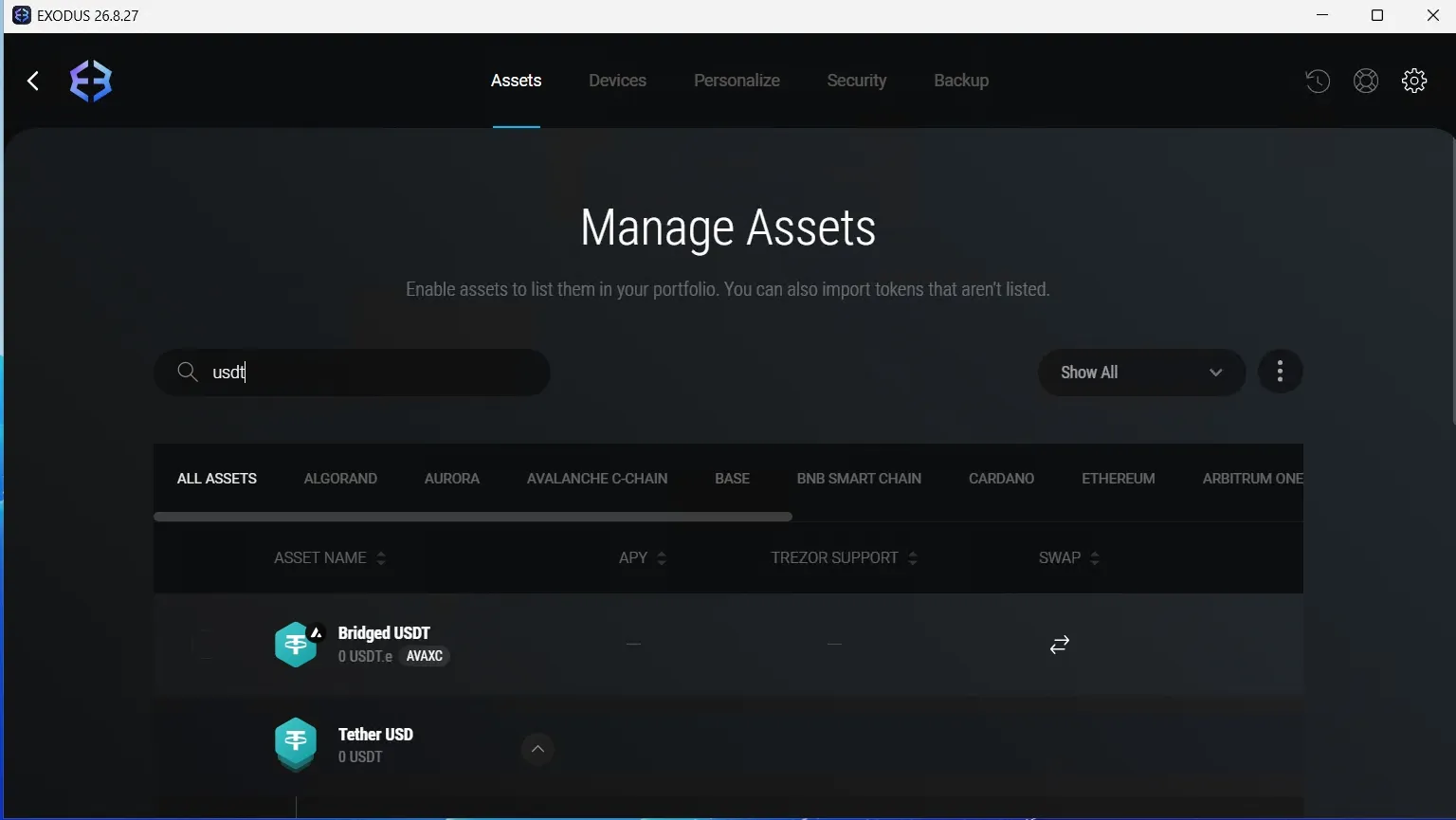
Exodus supports 260+ cryptocurrencies across dozens of blockchains, including all the major assets people look for:
- Bitcoin (BTC) and related networks.
- Ethereum (ETH) and all ERC-20 tokens (USDT, USDC, DAI, and thousands more).
- TRON (TRX) and TRC-20 tokens, including the popular USDT TRC-20 with low transfer fees.
- Solana (SOL) and SPL tokens.
- BNB Smart Chain, Polygon, Avalanche, Cardano (ADA), Cosmos (ATOM), Algorand (ALGO), Litecoin (LTC), and many others.
⚠️ Important: always double-check you've selected the correct network before sending. For example, USDT exists on ERC-20, TRC-20, and other networks — sending it on the wrong one will result in lost funds.
Installing on desktop and mobile
On desktop (Windows, macOS, Linux)
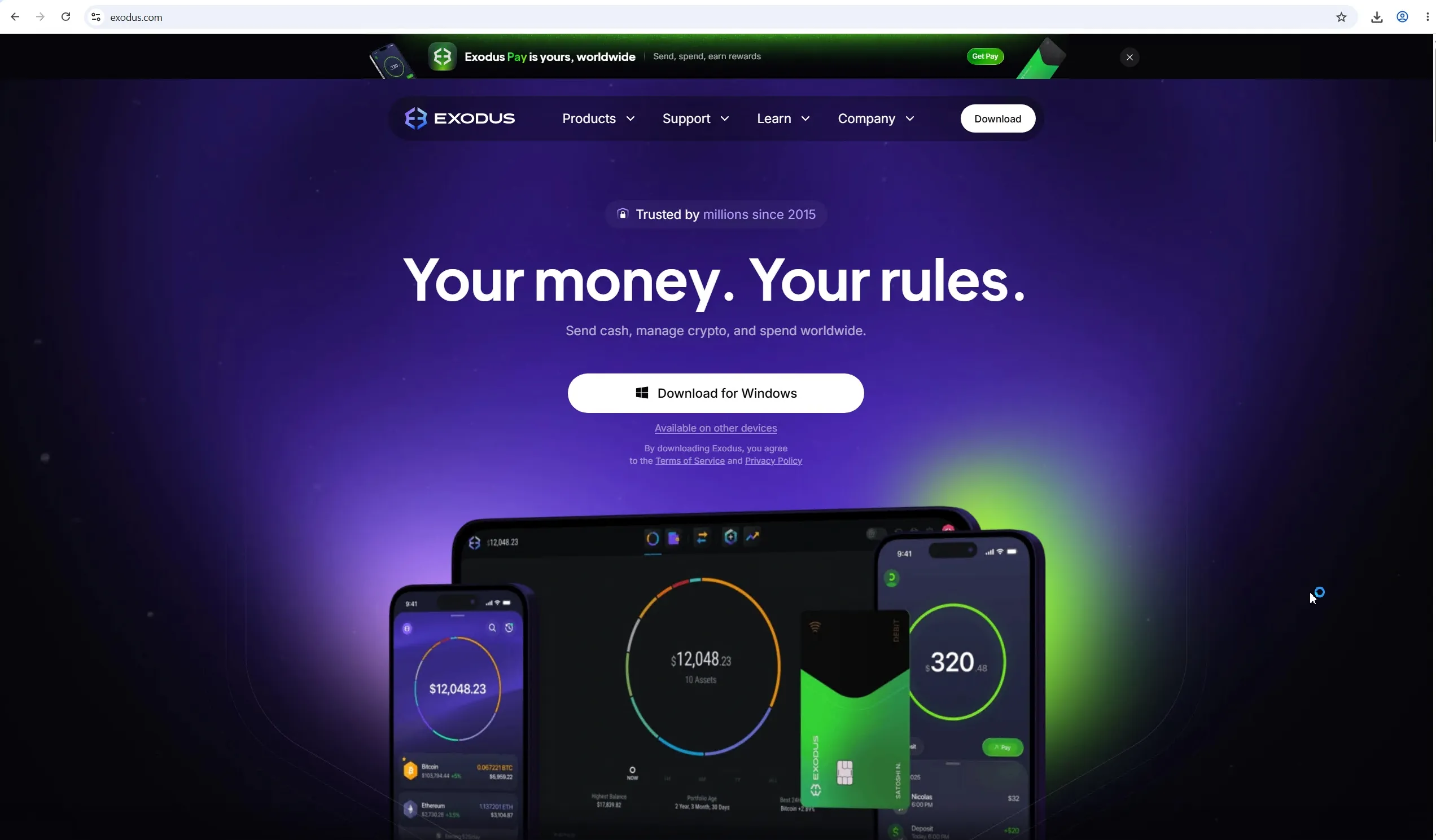
- Go to the official site — exodus.com. This is the only safe source.
- The site auto-detects your operating system and offers the right version. Download the installer.
- Run the downloaded file and follow the installer.
- Open the app once it's installed.
On mobile (iOS / Android)
- Open the App Store (iPhone) or Google Play (Android).
- Search for Exodus: Crypto Bitcoin Wallet and confirm the developer is Exodus Movement, Inc.
- Install and open the app.
🔒 Security rule #1: never download Exodus from torrents, "mirror" sites, Telegram links, YouTube descriptions, or search ads. Fake builds are the number-one way funds get stolen. Download only from exodus.com or the official app stores.
How to create a wallet: step by step
- On first launch, click Create a New Wallet.
- Set a strong password for the app. Keep in mind: this password protects the app on your device but does not recover your wallet — it isn't tied to your seed phrase.
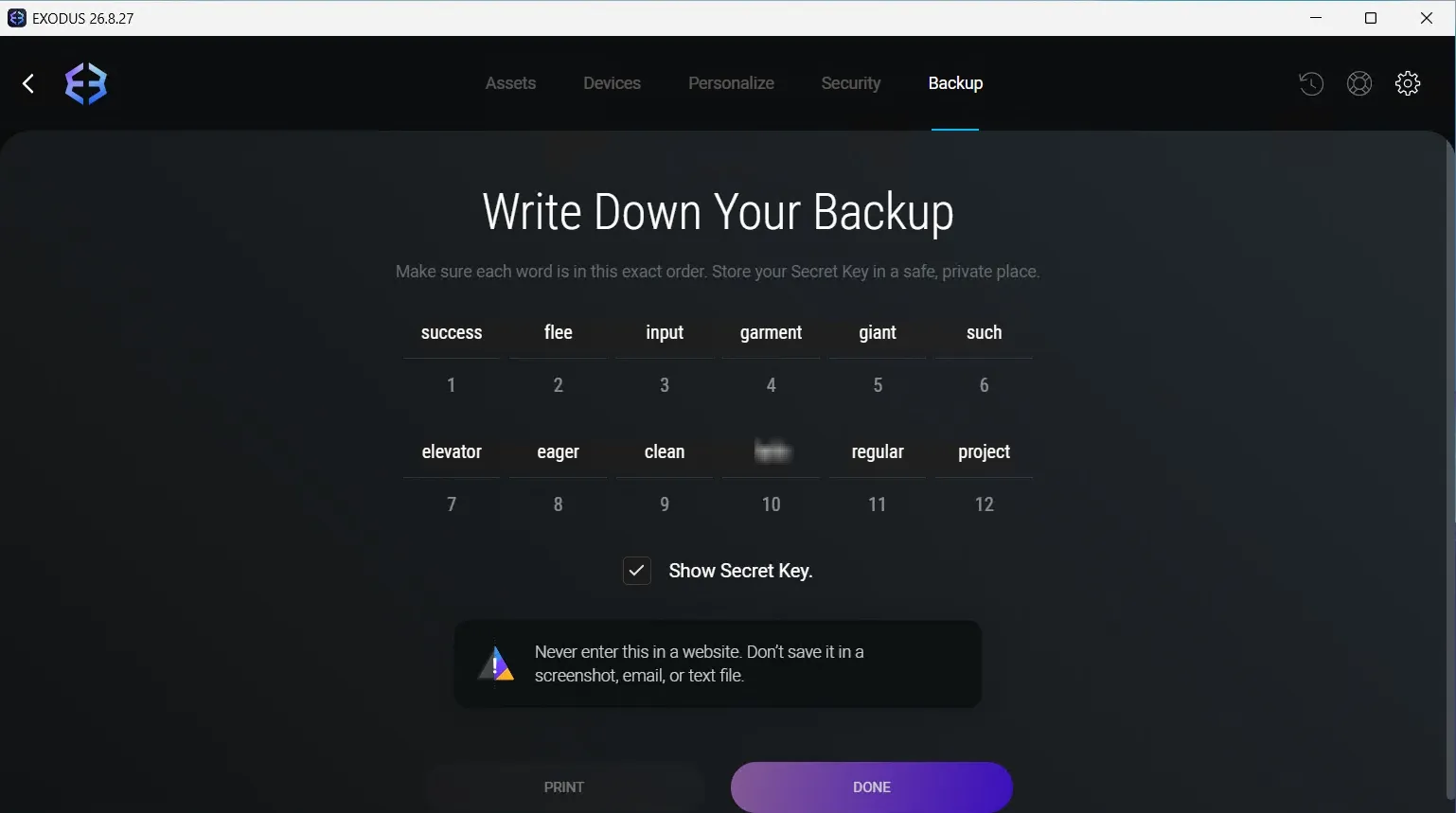
- The app generates and displays a 12-word seed phrase. This is the only way to restore access to your funds if you lose your device or forget your password.
- Write the phrase down and confirm a few of the words so the app knows you've saved it.
- Done — your wallet is created and ready to use.
🔑 How to store your seed phrase properly:
- Write it down on paper and keep it offline somewhere safe (ideally in two separate places).
- Never store it in the cloud, phone notes, screenshots, or messengers — that's a gift to hackers.
- Never share it with anyone, including "Exodus support." Real support will never ask for your seed phrase.
- Whoever holds the seed phrase controls the funds. Period.
Restoring an existing wallet
If you already have an Exodus wallet, choose Restore from backup at launch and enter your 12-word seed phrase. All funds and history will be restored.
How to send, receive, and swap
Receiving crypto
- Open the coin in your portfolio and click Receive.
- The app shows a wallet address and a QR code.
- Copy the address or let the sender scan the QR code.
⚠️ Make sure the address matches the correct network. A BTC address won't work for ETH, and vice versa.
Sending crypto
- Open the coin and click Send.
- Paste the recipient's address and enter the amount.
- Double-check the address (compare the first and last characters).
- Confirm. The transaction goes to the network — it cannot be undone.
Swapping coins (built-in exchange)
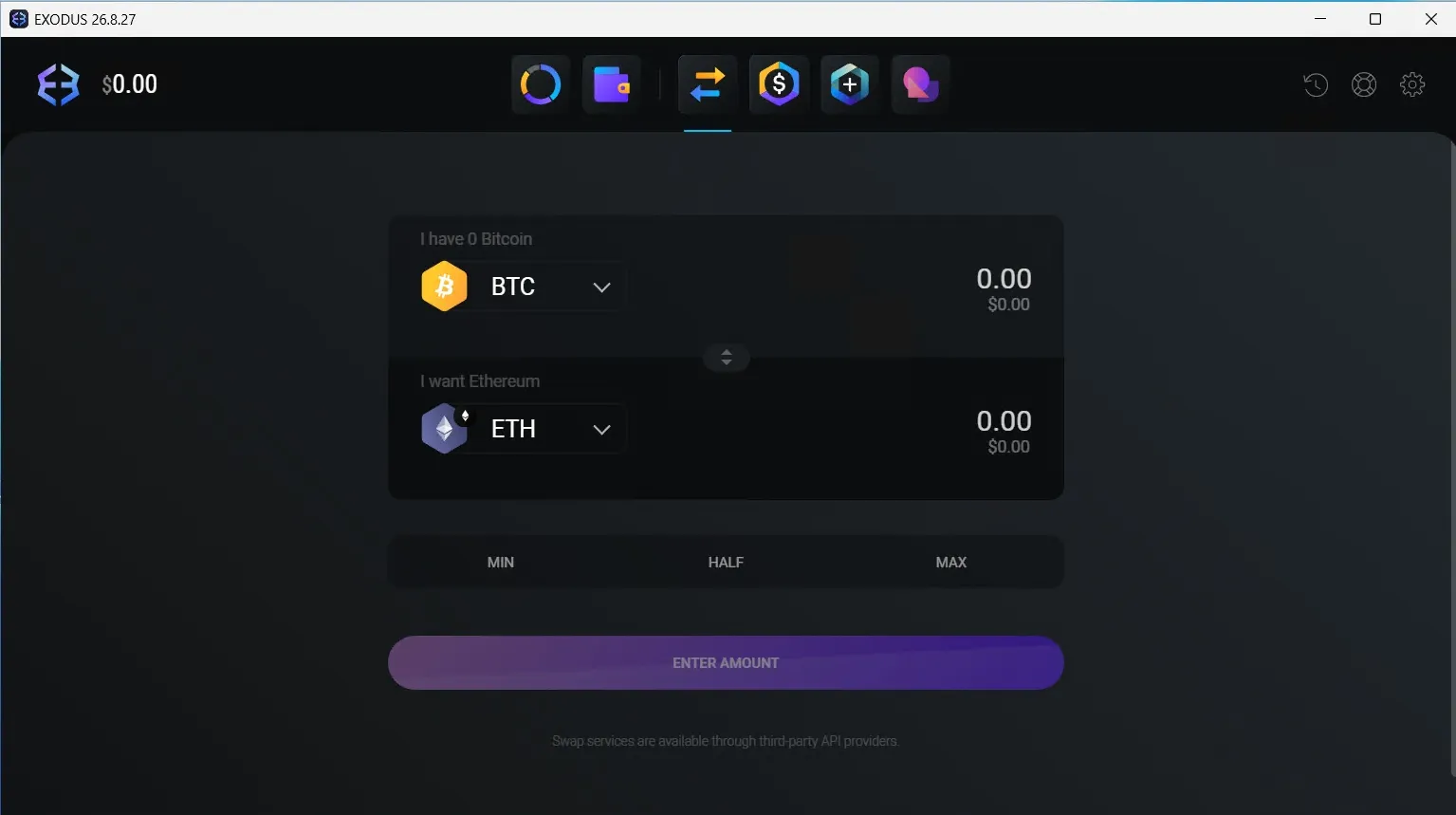
- Open the Exchange section.
- Choose which coin you want to swap and for what, then enter the amount.
- The app shows the rate and the final amount including fees.
- Confirm — the swap happens automatically inside the wallet.
💡 The built-in swap is convenient, but the rate includes a 1–3% fee on top of network costs. For large amounts, swapping on an exchange is usually cheaper.
Staking in Exodus
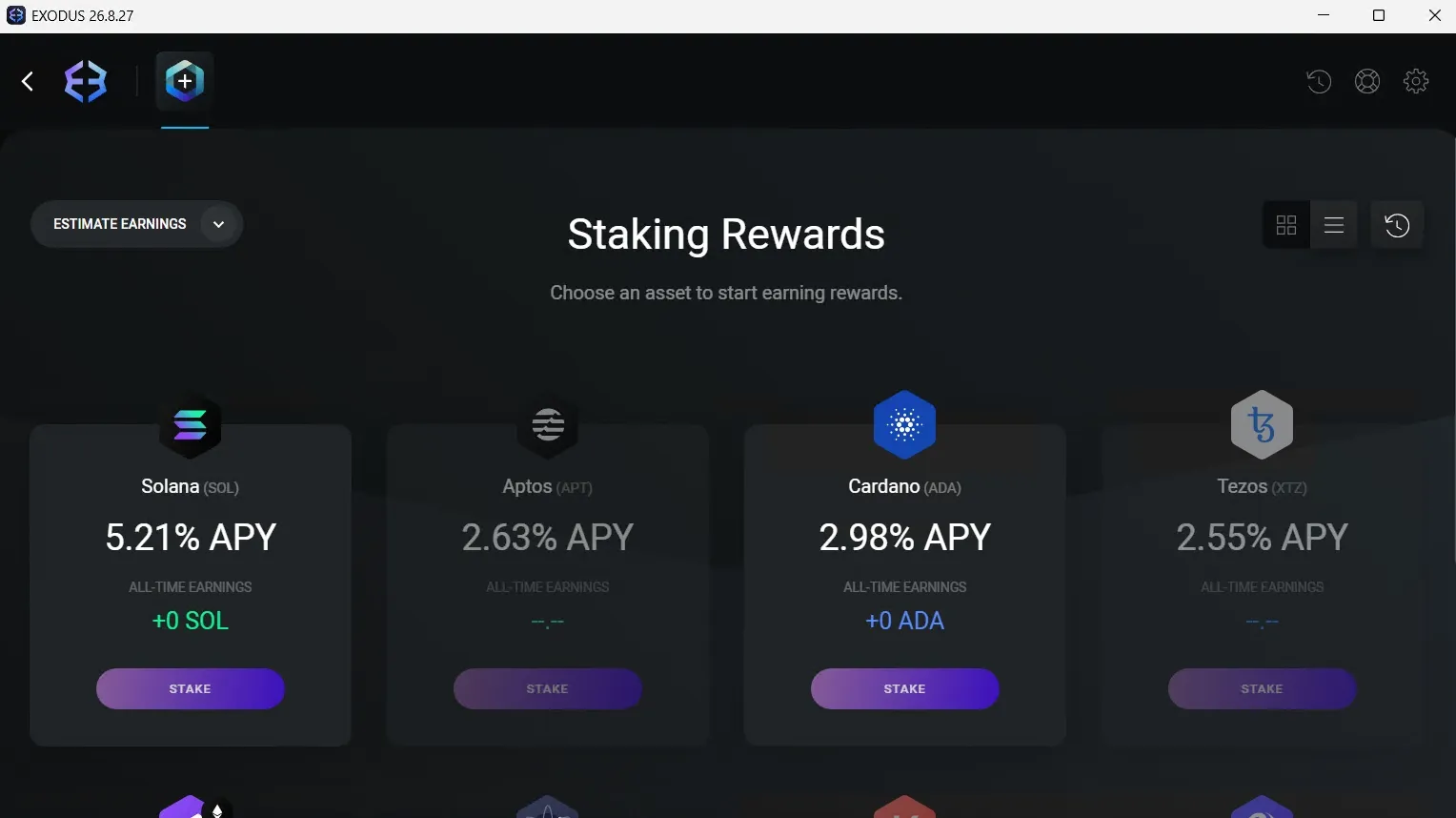
Staking is a way to earn passive income by "locking up" coins to help a blockchain operate. Exodus lets you stake directly from the wallet, with no third-party services.
Coins available for staking (the list changes over time): Cardano (ADA), Solana (SOL), Cosmos (ATOM), Algorand (ALGO), Tezos (XTZ), Tron (TRX), and others.
How to start staking:
- Open a coin that supports staking.
- Find the Earn or Stake section.
- Choose an amount and confirm — rewards start accruing automatically.
💡 Yields (APY) depend on the coin and network conditions. Note that some coins have an "unbonding" period — a delay before unstaked funds become available.
Security: how safe is Exodus
This is one of the most common questions, so let's be honest about both the strengths and the weaknesses.
Points in its favor
- Non-custodial. Keys are stored only on your device, locally, and never sent to Exodus's servers.
- Encryption. Private keys on the device are encrypted.
- Track record. The project has run since 2015 with no major breach of the wallet itself.
- Biometrics and PIN on the mobile version.
The drawbacks — and what to know
- Closed-source code. This is the main criticism. Exodus's code isn't open for independent community audit, so it can't be checked for hidden vulnerabilities — you have to trust the developer. Open-source wallets are more transparent in this respect.
- It's a hot wallet. Because the device is online, it's theoretically vulnerable to malware. That's why Exodus isn't meant for storing large amounts without a hardware wallet.
How to stay safe: a checklist
- Use a strong, unique password.
- Enable biometrics/PIN on mobile and a lock screen on desktop.
- Keep the app updated.
- Run up-to-date antivirus on your device.
- Store your seed phrase offline, on paper, only.
- For large amounts, connect a hardware wallet (see the next section).
- Watch out for phishing: check the site's address, avoid suspicious links, and never share your seed phrase.
⚠️ Remember: blockchain transactions are irreversible. If funds are stolen because of a leaked seed phrase or a fake app, recovering them is virtually impossible. Prevention is the only real defense.
Hardware wallet integration (Trezor)
This is the key feature for anyone holding serious amounts. Exodus can work together with a Trezor hardware wallet — you get Exodus's interface plus cold-storage security at the same time.
How it works: your private keys stay on the Trezor device and never leave it. Exodus acts only as a "window" to view balances and prepare transactions, while every operation is confirmed physically on the Trezor itself.
How to connect a Trezor to Exodus:
- Install the desktop version of Exodus (the integration works through the desktop app).
- Connect your Trezor to the computer via USB.
- In Exodus, open settings and find the hardware wallet (Trezor) section.
- Follow the on-screen steps, confirming actions on the Trezor device itself.
- Once connected, your Trezor funds appear in Exodus, and any transfer requires physical confirmation on the device.
💡 This pairing is the sweet spot: the convenience of a hot wallet plus the protection of cold storage. It's the recommended setup for large amounts, rather than keeping your whole balance in a plain hot wallet.
Fees
Exodus has two types of fees that are important not to confuse:
1. Network fees (for transfers). This is paid to the blockchain, not to Exodus. By default, Exodus uses the average network fee and doesn't let you set it manually in basic mode. Experienced users have a "personal fee" mode where the transfer fee can be set by hand.
2. Swap fees (for exchanges). When using the built-in swap, the fee is baked into the rate — usually 1–3% on top of the exchange provider's cost. It isn't shown as a separate line but is included in the quoted rate.
💡 Bottom line on fees: fine for one-off transactions and convenience. If you swap often and in large amounts, an exchange will be cheaper. The lack of manual transfer-fee control by default can be frustrating during periods of high network congestion.
Exodus vs. the competition
To place Exodus in context, here's how it compares with popular alternatives.
Exodus vs. Trust Wallet. Trust Wallet is also a non-custodial hot wallet, but it leans toward mobile-first use and maximum DeFi/DApp support on mobile. Exodus is stronger on desktop and interface polish, and in Trezor integration. Trust Wallet supports more networks out of the box.
Exodus vs. MetaMask. MetaMask is built primarily around Ethereum and EVM networks (ERC-20, DeFi, NFTs) and is the industry standard for Web3. Exodus is more versatile in the number of blockchains it supports (native Bitcoin, Solana, Cardano, etc.) and friendlier to beginners, but it trails MetaMask in the depth of the Ethereum ecosystem.
Exodus vs. Ledger/Trezor (hardware). These aren't direct competitors — they're different classes. Hardware wallets are safer for storage but less convenient day to day. The best approach isn't to choose between them, but to use Exodus together with a Trezor.
Here's a side-by-side summary:
| Criterion | Exodus | Trust Wallet | MetaMask |
|---|---|---|---|
| Type | Non-custodial hot | Non-custodial hot | Non-custodial hot |
| Coins/networks | 260+ across dozens of networks | Very many, 100+ networks | Ethereum & EVM networks only |
| Platforms | Desktop, mobile, browser | Mainly mobile + browser | Browser + mobile |
| Native Bitcoin | ✅ Yes | ✅ Yes | ❌ No |
| Built-in swap | ✅ Yes | ✅ Yes | ✅ Yes (via services) |
| Staking | ✅ Yes (ADA, SOL, ATOM, etc.) | ✅ Yes | ⚠️ Limited |
| Hardware support | ✅ Trezor | ⚠️ Limited | ✅ Ledger, Trezor |
| Web3 / DeFi / DApps | ✅ Via extension | ✅ A strong point | ✅ Industry standard |
| Open source | ❌ Closed | ⚠️ Partial | ✅ Open |
| Best for | Beginners, desktop, all-in-one | Mobile and DeFi | The Ethereum ecosystem |
Pros and cons
Pros:
- Simple, pleasant interface — great for beginners.
- 260+ coins across many networks.
- Built-in swap and staking in one place.
- Every platform: desktop, mobile, browser, all synced.
- Non-custodial — keys stay with you.
- Trezor integration for secure storage.
- English and Russian language support, plus Web3/NFTs.
Cons:
- Closed-source code — no independent audit.
- Built-in swap fees are higher than an exchange's.
- No manual transfer-fee control by default.
- A hot wallet — not suited to large amounts without a hardware wallet.
Frequently asked questions (FAQ)
Is Exodus safe? As a hot wallet, yes — provided you follow security basics: official downloads, offline seed-phrase storage, antivirus, and updates. For large amounts, pair it with a Trezor.
Is Exodus custodial or non-custodial? Non-custodial. Your keys and seed phrase are stored only on your device, and the developers have no access to your funds.
Does Exodus require verification (KYC)? No. Exodus requires no registration, ID, or KYC — you simply create a wallet.
Does Exodus support USDT? Yes, on several networks including ERC-20 and TRC-20. For cheap transfers, USDT TRC-20 on the TRON network is convenient.
Can stolen crypto be recovered? Practically no. Transactions are irreversible, and services promising to "recover" crypto are usually scams themselves. Prevention is the only defense.
Is there a storage fee? No. Storage is free. Fees apply only to transfers (network) and swaps.
Does Exodus work in English / other languages? Yes. The interface supports 30+ languages including English. The app works on all platforms, though the availability of specific swap features can depend on the provider.
Verdict
Exodus is one of the best hot wallets for everyday use. It combines a simple interface, broad coin support, a built-in swap, and staking, making it an excellent choice for beginners and active users alike. The main trade-offs are its closed-source code and swap fees higher than an exchange's.
Final recommendation: use Exodus for storing small-to-medium amounts and daily transactions. For larger holdings, connect a Trezor hardware wallet — that way you get both Exodus's convenience and the security of cold storage.
This article is for informational purposes only and is not financial advice. Always verify the official website's address and keep your seed phrase secure.